
Kickstart | Field Service Management Solution

Kickstart Blogs

Published: Jul 2026 · 7 min read

by Adam Scott

How to Choose the Best Pool Service Scheduling Software for Your Business

Running a pool service company means juggling dozens of moving parts every single day technician routes, chemical schedules, recurring visits, and customer expectations that don’t leave much room for error. If you’re still relying on spreadsheets or a paper route book, one missed stop can cost you a client for good.

The right pool service scheduling software turns that chaos into a repeatable system. Instead of guessing which tech is closest to the next job or scrambling to fit in a same-day request, you get a live view of your entire operation and the ability to react in seconds, not hours.

But not all scheduling tools are built the same. Some are glorified calendars. Others, like Kickstart, are full field service platforms that handle routing, billing, and customer communication in one place. Choosing the wrong one means paying for features you’ll never touch, or worse, outgrowing the software within a year.

pool service scheduling software

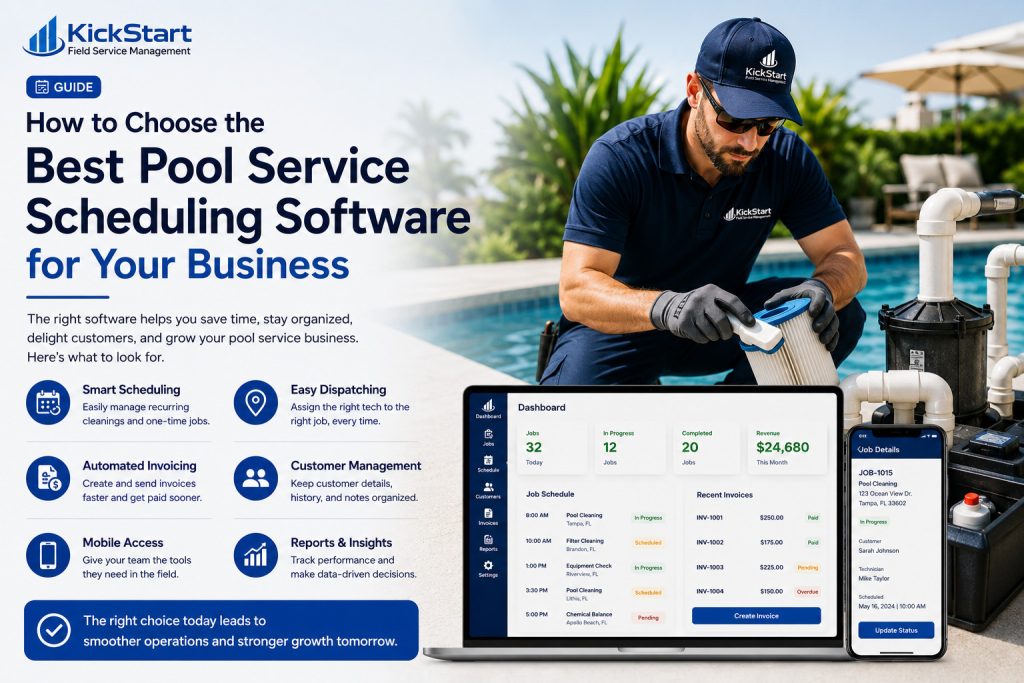
What To Look For In Pool Service Scheduling Software

Before you commit to a platform, run it against these five criteria. They separate tools that genuinely fit pool service operations from ones that just look good in a demo.

Route Optimization

Software should build efficient routes automatically

Recurring Job Support

Weekly and biweekly visits should schedule

Mobile Access

Techs need full job details and updates

 Client Notifications

Automated arrival alerts and updates

Easy Rescheduling

Weather and cancellations happen moving jobs

Picking pool service scheduling software that checks all five boxes means fewer gaps between what your team plans and what actually happens in the field.

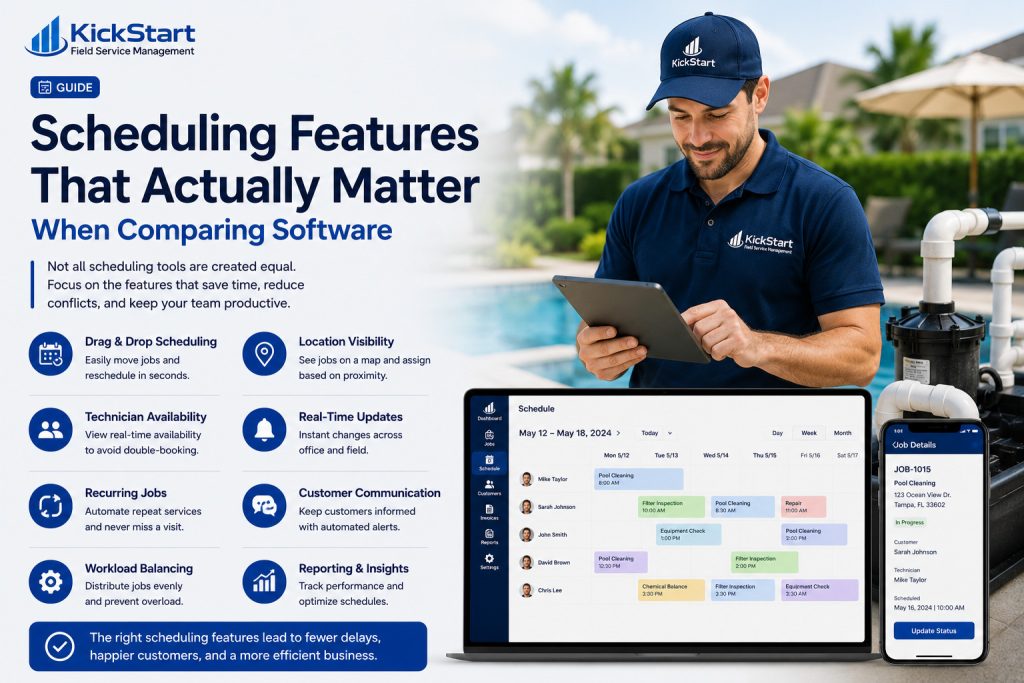
Scheduling Features That Actually Matter When Comparing Software

1. Does It Push Daily Schedules

Your team shouldn’t need a phone call to know where they’re headed. The software should send each tech their full day stops, addresses, service notes, and history directly to their device before they leave the shop

2. Can It Catch Conflicts

Double-bookings usually come from a lack of visibility, not carelessness. Look for a system that flags overlapping appointments in real time, so managers can fix gaps before a customer ever notices.

3. Does It Optimize Routes

There’s a difference between a schedule and a route. A platform like Kickstart plans the most efficient order of stops automatically, cutting drive time instead of just listing jobs in the order they were booked.

4. How Easily Can Jobs Be Rescheduled

Rain delays and last-minute cancellations are part of the business. The best software lets you drag, drop, or reassign a job in a few taps not rebuild the day’s plan from scratch.

pool service scheduling software

Billing And Payment Features Worth Comparing

Here’s how Kickstart helps small teams get paid faster and stay on top of their finances.

1. Does It Invoice Automatically After Each Job

The best platforms, like Kickstart, generate and send an invoice the moment a technician marks a job complete. That closes the gap between finishing a visit and getting paid, without anyone touching a keyboard.

2.How Many Ways Can Customers Pay

Cards, ACH, online payment links the more options a customer has, the faster invoices get settled. Kickstart supports multiple payment methods out of the box, so a tool that only offers one will slow your cash flow down by comparison.

3. Does It Chase Unpaid Invoices For You

Manual follow-ups eat up hours every week. Kickstart automatically reminds customers about overdue balances, so your team isn’t stuck making awkward phone calls.

4. Can You See Outstanding Balances At A Glance

A clear, real-time view of who owes what stops small unpaid invoices from quietly piling up into a real cash flow problem. Kickstart surfaces this on a single dashboard instead of burying it in spreadsheets.

5. Does Billing Connect Directly To Scheduling

If invoicing lives in a separate system from your job calendar, you’re doing double the data entry. In Kickstart, the two work off the same job record automatically, so nothing has to be re-entered.

6. Is Pricing Flexible For Recurring Vs. One-Off Jobs

Pool businesses run a mix of subscription-style routes and one-time services. Kickstart handles both billing structures natively, without needing a workaround.

Final Thoughts

Choosing the right pool service scheduling software isn’t about finding the tool with the longest feature list  it’s about finding one that matches how your business actually runs day to day. Route optimization, recurring job handling, mobile access, and billing that connects directly to scheduling aren’t nice-to-haves; they’re what separates software that gets used from software that gets ignored after week one.

Kickstart brings all of these together in a single platform, giving pool service businesses across the US a way to schedule, dispatch, and get paid without juggling separate tools or manual workarounds.

Ready To Find The Right Scheduling Software For Your Pool Business?

Frequently Asked Questions (FAQs)

Pool service scheduling software is a digital tool that helps pool companies plan technician routes, manage recurring jobs, and organize daily schedules in one system replacing paper job sheets and manual spreadsheets.

It automates route planning, sends job details straight to technicians’ phones, and flags scheduling conflicts before they happen, cutting down the hours managers spend coordinating routes manually.

Yes. Most weekly and biweekly pool routes can be set up once and repeat automatically, so businesses don’t need to manually re-book the same customer every service cycle.

Platforms like Kickstart combine scheduling with billing, so invoices are generated automatically as soon as a job is marked complete, and customers can pay through multiple payment methods.

Yes even small teams benefit from reduced double-bookings, faster invoicing, and less time spent on admin work, which often pays for the software cost within the first few months.

related Posts

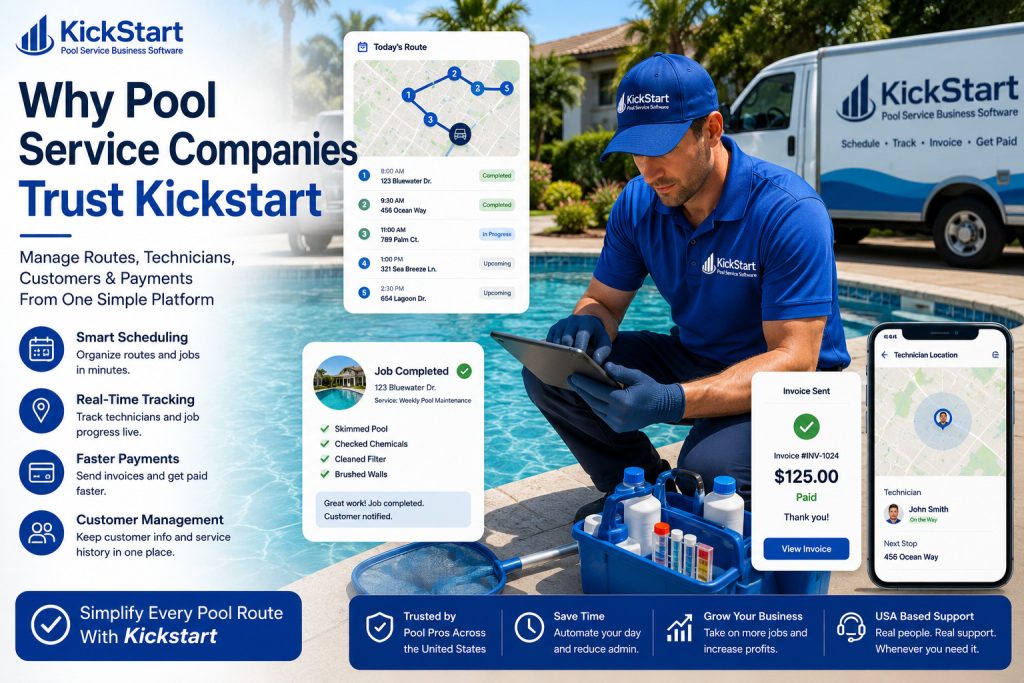
Why Pool Service Companies Trust Kickstart Pool Service Business Software?

Kickstart Blogs Published: Jul 2026 · 7 min read by Adam Scott Why pool service companies trust Kickstart pool service business software Why pool service companies trust Kickstart pool service...
Read More →

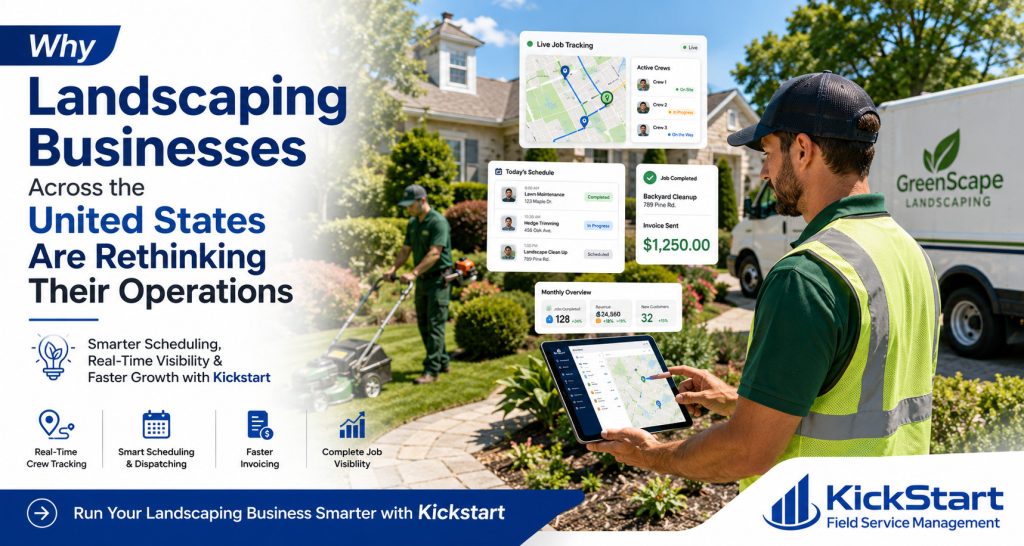
How Landscaping Management Software Helps Landscaping Businesses Grow Faster In 2026?

Kickstart Blogs Published: Jul 2026 · 7 min read by Adam Scott How landscaping management software helps landscaping businesses stay organised How landscaping management software helps landscaping businesses stay organised...

Read More →

Best Software For Painting Contractors Business In 2026?

Kickstart Blogs Published: Jul 2026 · 7 min read by Adam Scott Best Software For Painting Contractors: A Practical Guide To Job Scheduling, Estimating & Getting Paid On Time Running...
Read More →

Cash flow improves dramatically when billing is automated. Field workforce management software helps you speed up invoicing and reduce payment delays.

Automated Invoicing Features:

  • Instant invoice generation after job completion
  • Digital payment options for customers
  • Automated payment reminders
  • Secure online transactions
Index