Kickstart | Field Service Management Solution

Kickstart Blogs

Published: Jul 2026 · 8 min read

by Adam Scott

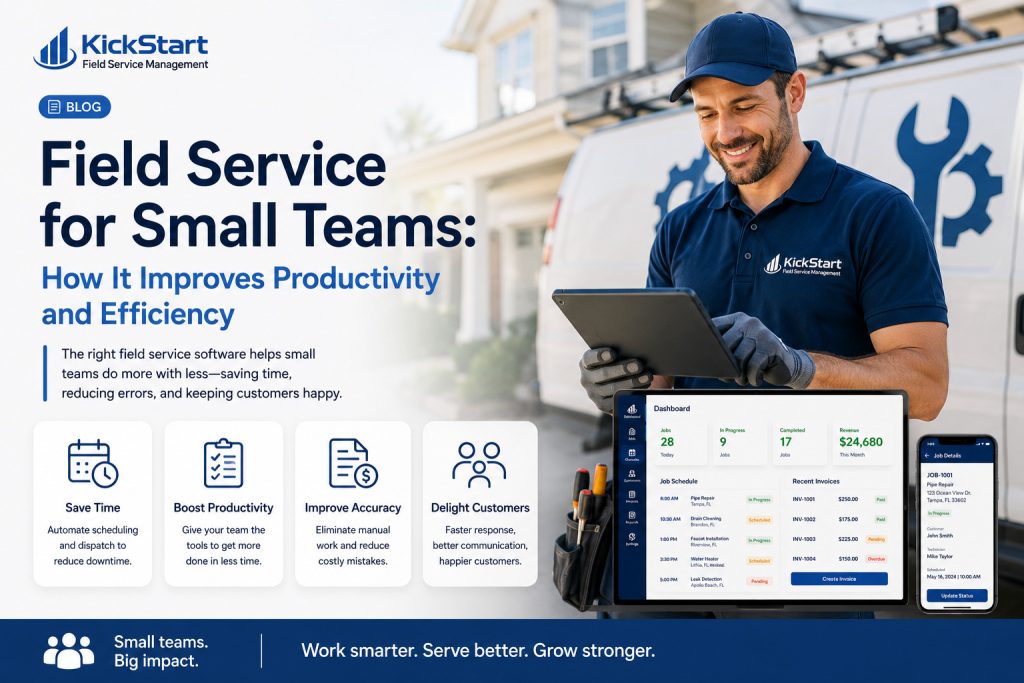
Field Service for Small Teams: How It Improves Productivity and Efficiency

Running a small field service crew means everyone wears more than one hat. The owner might be quoting jobs in the morning, driving a truck by noon, and reconciling invoices at night. There’s no dedicated dispatcher, no back-office admin team, and no room for wasted hours chasing paperwork or untangling a scheduling mix-up.

That’s exactly why field service for small teams looks different from managing a large crew. A five-person outfit doesn’t need enterprise-grade complexity, it needs a lean system that keeps every technician moving between jobs without gaps, keeps the schedule accurate without constant phone calls, and gets invoices out the door without someone staying late to write them by hand.

Kickstart is built with that reality in mind, giving small service businesses the scheduling, dispatching, and billing tools that larger companies rely on, without the setup time, training overhead, or price tag that usually comes with them.

field service for small teams

The Everyday Struggles That Slow Small Field Teams Down

When you’re running a lean crew, there’s no room to absorb inefficiency, every wasted minute shows up directly in your bottom line. Here’s where small operations typically lose the most ground:

Overloaded Technicians

One tech often covers what three people handle

Manual Job Tracking

Sticky notes and text threads

Delayed Payments

Invoices sent late mean cash flow gaps

Constant Interruptions

Calls and texts pull techs away

Inefficient Routes

Without planning, techs waste fuel and hours

That’s why field service for small teams depends on having every piece, scheduling, tracking, billing, and communication, working together instead of living in five different places.

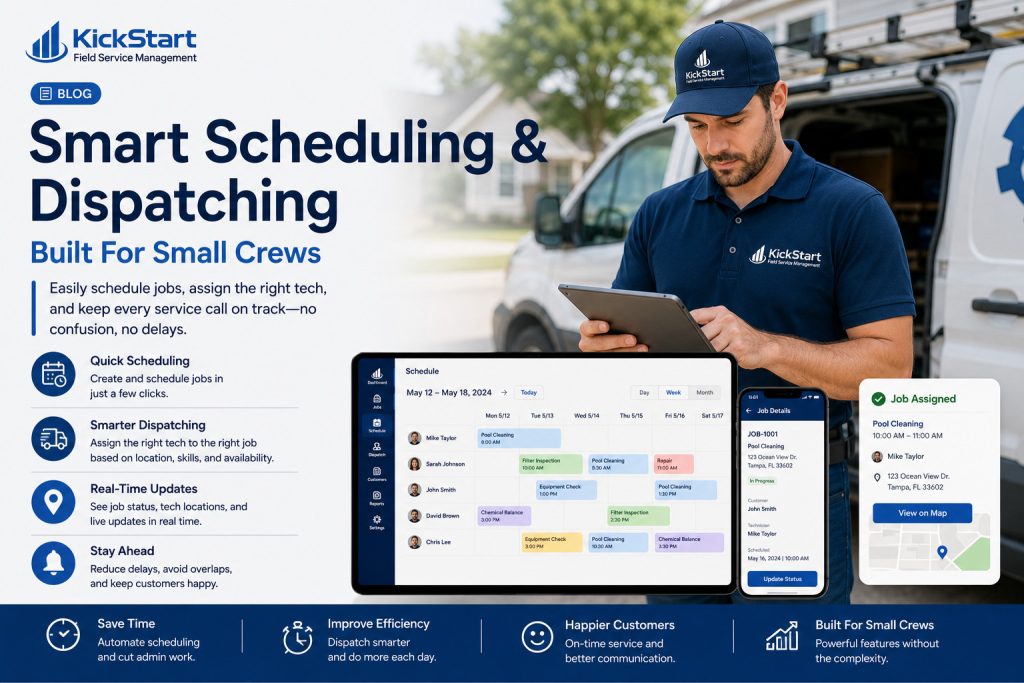
Smart Scheduling & Dispatching Built For Small Crews

1. One Dashboard Replaces a Dozen Phone Calls

With field service for small teams, the entire day’s schedule lives in a single dashboard instead of scattered texts and voicemails. Every technician sees their jobs, addresses, and notes the moment they’re assigned, so nobody has to call the owner to ask “where am I headed next?”

2. Jobs Get Assigned

Small teams can’t afford idle technicians or overbooked ones. Real-time availability means the next job goes to whoever’s actually free and closest, not whoever picked up the phone first. That keeps every hour of the day working toward revenue instead of standing around.

3. Last-Minute Changes

Cancellations and emergency call-outs are normal in field service, but on a small team, one bad reschedule can derail everyone’s afternoon. Dispatchers can shuffle jobs on the fly, and every technician’s schedule updates instantly on their phone, no group texts required.

4. Fewer Miles, More Completed Jobs

With only a handful of trucks on the road, route efficiency matters even more. Smart routing keeps technicians moving between nearby jobs instead of zig-zagging across town, which means more completed appointments per day without adding staff or vehicles.

field service for small teams

Why Faster Billing Matters Even More For Small Teams

Here’s how Kickstart helps small teams get paid faster and stay on top of their finances.

1. Invoices Go Out Before the Truck Leaves the Driveway

The moment a job is marked complete, Kickstart generates and sends the invoice automatically. There’s no batch of paperwork waiting for someone to sit down at the end of the week, payment requests go out the same day the work happens.

2.Payment Options That Match How Customers Actually Pay

Small teams can’t afford to lose time on payment friction. Kickstart supports cards, online payments, and other digital options so customers can pay in a few taps, which means fewer excuses for late payment.

3. Fewer Manual Follow-Ups Means More Time On The Tools

Without an admin team, chasing unpaid invoices usually falls on the owner. Automated reminders take that job off the to-do list, following up with customers without anyone having to make an awkward phone call.

4. One Place To See What's Owed and What's Paid

Instead of piecing together numbers from a notebook or spreadsheet, owners can see outstanding balances and completed payments in a single view, useful when there’s no separate finance function to track it.

5. Fewer Billing Errors From Manual Entry

Hand-written invoices are prone to mistakes, wrong amounts, missed line items, forgotten jobs. Automating the process from job completion to invoice removes most of that risk entirely.

6. Healthier Cash Flow Without Adding Headcount

For a small operation, getting paid faster is often more valuable than winning new customers. Tightening the billing cycle keeps cash moving without needing to hire someone just to manage accounts receivable.

Final Thoughts

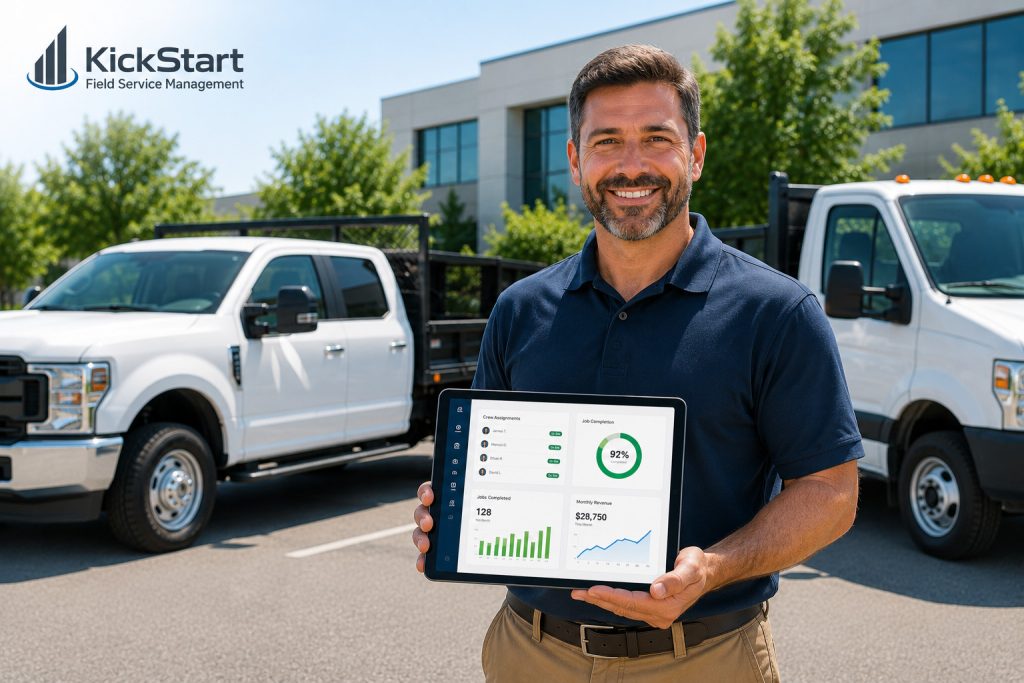
Small field service teams don’t need bigger budgets or bigger crews to compete, they need systems that eliminate wasted time. When scheduling, dispatching, and billing all work together, technicians spend more time on paying jobs and less time on admin, phone calls, and paperwork.

Kickstart gives small service businesses the same field service for small teams tools that larger operations rely on, without the complexity or cost that usually comes with them, so growth doesn’t depend on adding headcount.

Ready To Simplify Your Business With Smarter Job Management Software?

Frequently Asked Questions (FAQs)

Field service for small teams refers to software and workflows designed to help small crews, often five people or fewer, manage scheduling, dispatching, and billing without needing a dedicated office staff.

By automating scheduling, invoicing, and route planning, small teams cut down on phone calls, paperwork, and manual admin work, freeing up more hours for billable jobs.

Yes. Small teams often benefit the most since they don’t have extra staff to absorb inefficiencies, every hour saved on admin work goes directly back into completing more jobs.

Absolutely. Automated invoicing sends bills the moment a job is completed and tracks payments in one place, removing the need for manual follow-ups or a separate finance role.

Scheduling, real-time dispatching, route optimization, and automated billing matter most, since these directly reduce wasted time and speed up cash flow for teams without extra support staff.

related Posts

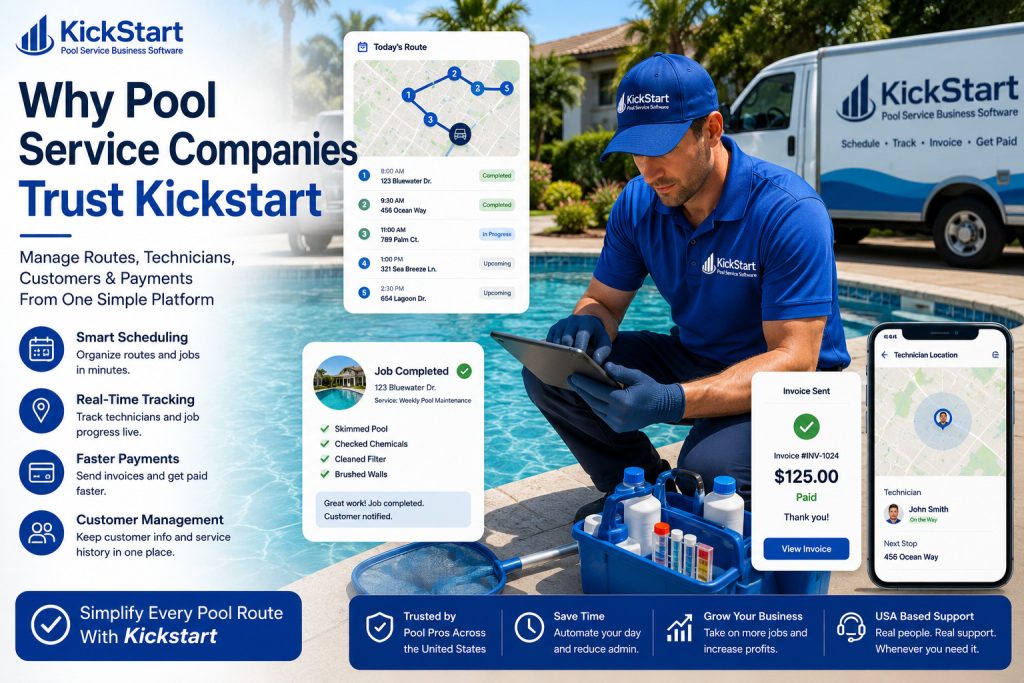
Why Pool Service Companies Trust Kickstart Pool Service Business Software?

Kickstart Blogs Published: Jul 2026 · 7 min read by Adam Scott Why pool service companies trust Kickstart pool service business software Why pool service companies trust Kickstart pool service...
Read More →

How Landscaping Management Software Helps Landscaping Businesses Grow Faster In 2026?

Kickstart Blogs Published: Jul 2026 · 7 min read by Adam Scott How landscaping management software helps landscaping businesses stay organised How landscaping management software helps landscaping businesses stay organised...
Read More →

Best Software For Painting Contractors Business In 2026?

Kickstart Blogs Published: Jul 2026 · 7 min read by Adam Scott Best Software For Painting Contractors: A Practical Guide To Job Scheduling, Estimating & Getting Paid On Time Running...
Read More →
Index