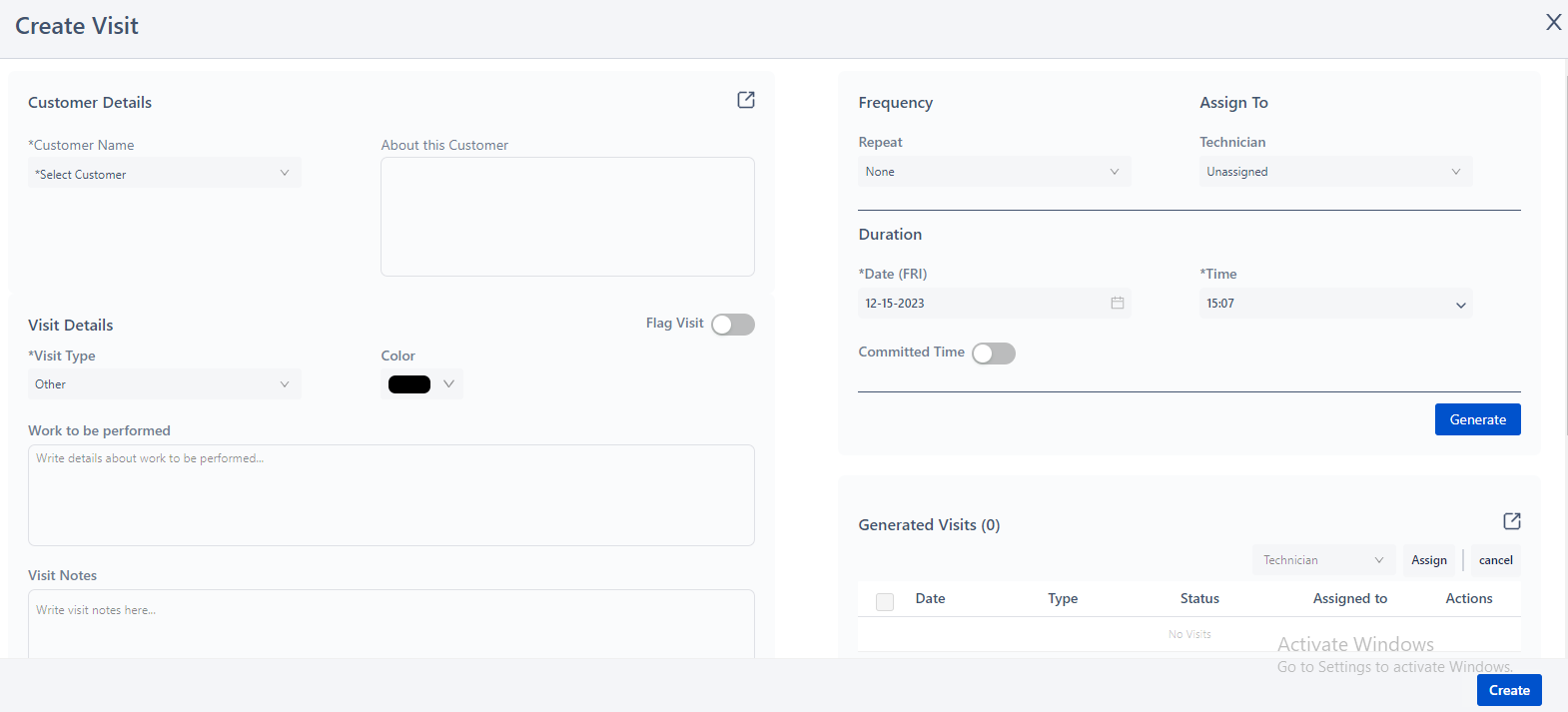
After selecting all the required options you can now create your first Job. For this, Simply select Scheduling on the side menu. Click on ‘Create Visit’.
A window will appear in which you can enter details such as customer name, visit type (maintenance, service or custom visit type), job date and time, visit frequency, field agent selection etc.