Kickstart | Field Service Management Solution

Kickstart Blogs

Published: Jul 2026 · 7 min read

by Adam Scott

How landscaping management software helps landscaping businesses stay organised

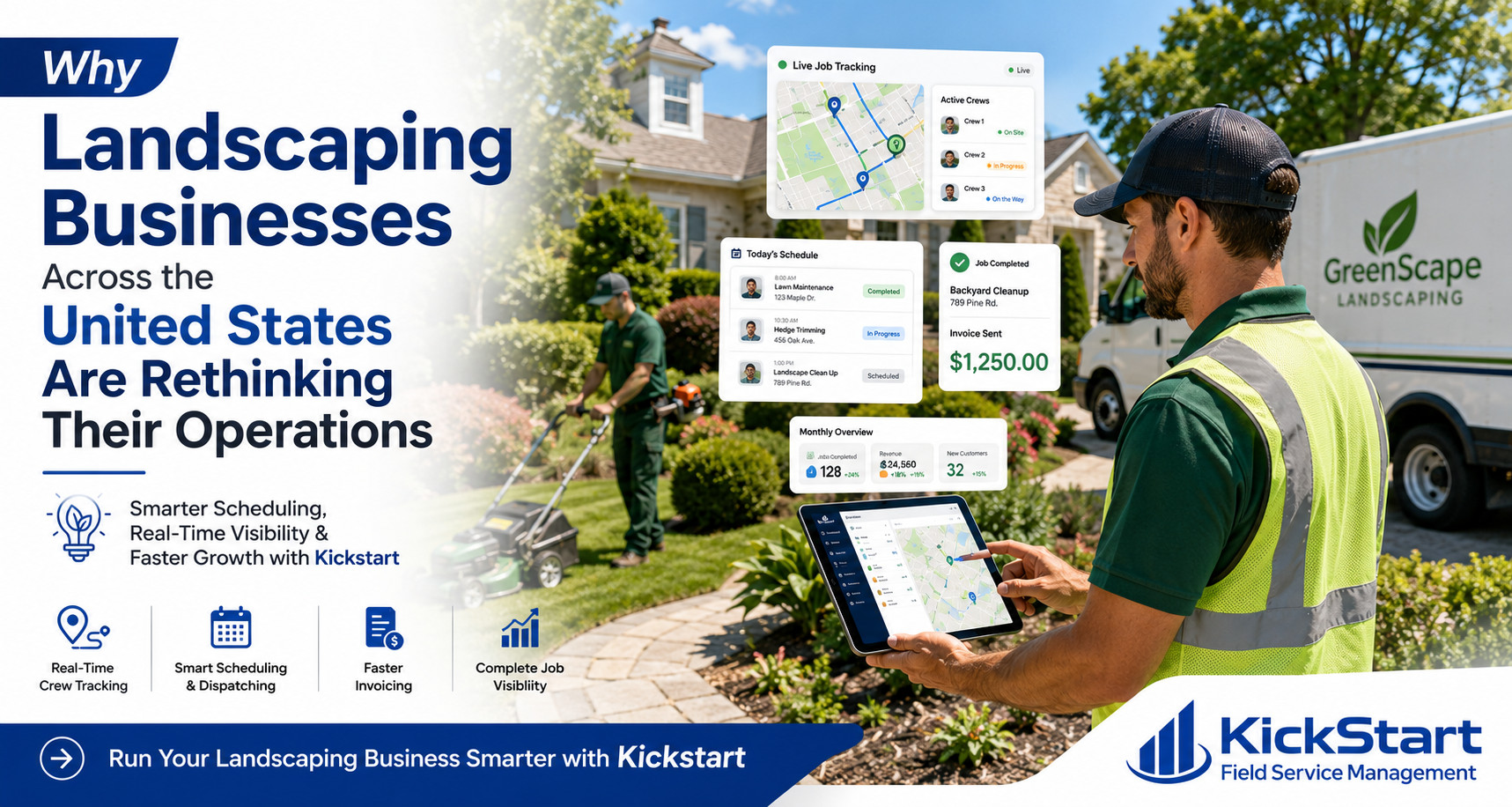
How landscaping management software helps landscaping businesses stay organised is becoming one of the biggest questions owners across the United States are asking. The landscaping industry is evolving fast, and businesses that fail to keep up are losing customers and revenue every single day.

This is exactly where landscaping management software helps landscaping businesses shift from reactive, clipboard-driven operations to a connected system that keeps crews on schedule, keeps clients informed, and keeps revenue moving. Instead of a foreman calling the office to confirm a route, or an owner manually chasing down unpaid invoices at the end of the month, the right software puts scheduling, crew dispatch, client communication, and payments in one place.

Kickstart is built for exactly this shift. From seasonal recurring maintenance to one-off hardscaping jobs, Kickstart gives landscaping businesses the tools to plan smarter routes, track crew progress in real time, and get paid faster without the back-and-forth that eats into a workday.

Landscaping Management Software Helps Landscaping Businesses

What It Really Costs To Run A Landscaping Business Without The Right Software

Across the United States, landscaping businesses are losing money every week without even realising it. This is exactly  landscaping management software helps landscaping businesses close the gaps that manual operations create every single day:

Lost Job Details

Paper route sheets get lost, damaged, or filled out wrong

Double-Booked Crews

No digital system means crews get sent to the same job twice

Missed Invoices

Manual billing means invoices get forgotten

Poor Communication

Customers left without updates call

Wasted Admin Time

Hours lost every week on tasks

Running a landscaping business this way costs you time, money, and customers. This is why businesses across the United States are switching to platforms that bring scheduling, invoicing, tracking, and communication into one single connected system and never looking back.

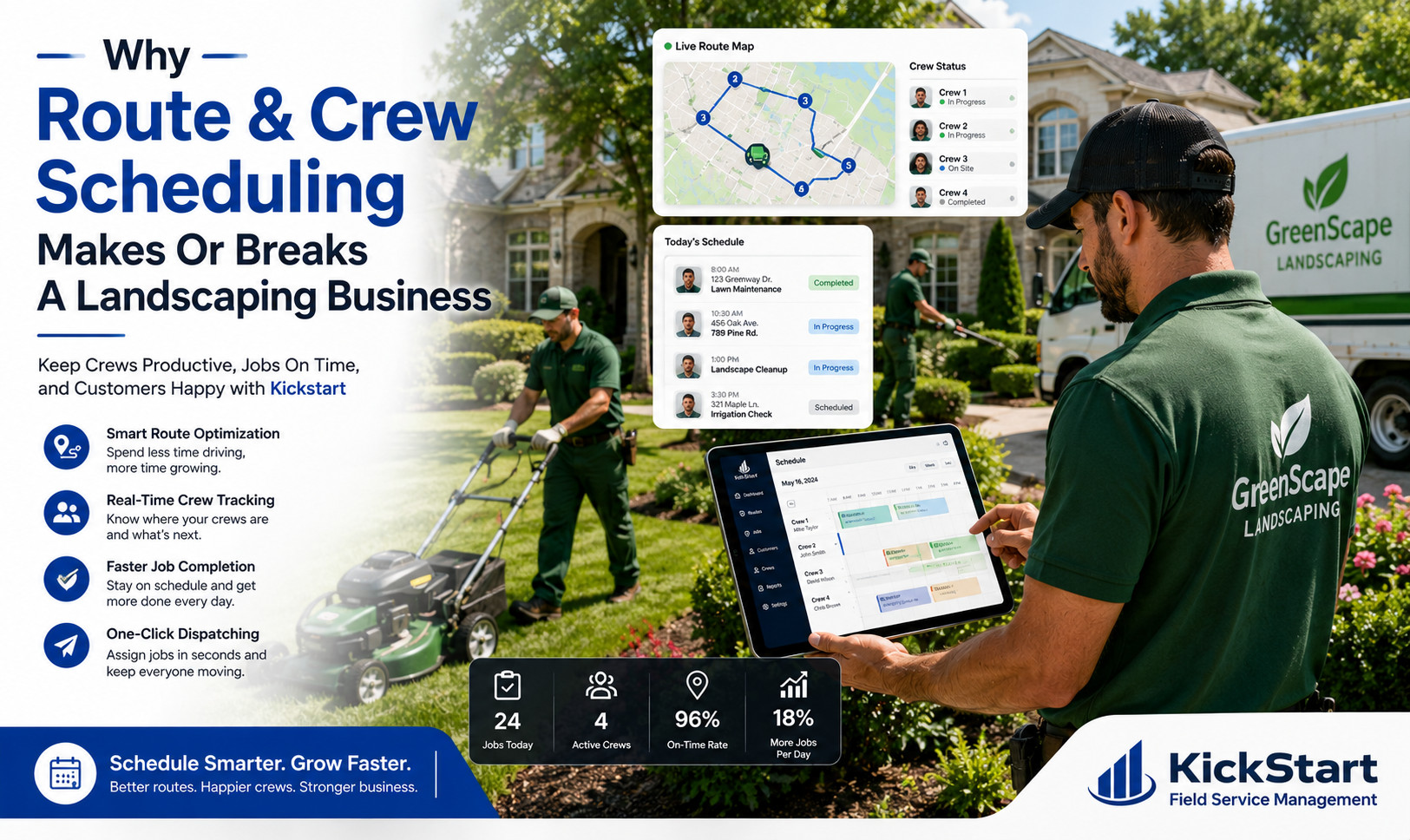
Why Route And Crew Scheduling Makes Or Breaks A Landscaping Business

1. Crews Head Out Knowing Exactly Where They're Going

Instead of a foreman printing route sheets at 6 a.m., landscaping management software pushes each crew’s daily stops straight to their phone property addresses, gate codes, service notes, and any special client requests included. There’s no morning scramble in the office parking lot, no crew guessing which yard comes next.

2. Overlapping Routes And Wasted Trips Disappear

When two crews unknowingly get sent to the same neighborhood on different days or worse, the same property twice in one week it burns fuel and frustrates clients. Real-time scheduling visibility lets dispatchers see every crew’s route at a glance, catch overlaps before they happen, and slot in last-minute jobs without disrupting the day.

3. Seasonal Jobs Get Built

Landscaping isn’t one flat workload year-round spring cleanups, weekly mowing, fall leaf removal, and snow contracts all come with different rhythms. Recurring job templates let businesses set a maintenance schedule once and have it repeat automatically, so nothing falls through the cracks when the season shifts.

4. Weather Delays Don't Derail The Whole Week

Rain, frost, or extreme heat can push an entire day’s routes. Rather than manually re-calling every client, crews and dispatchers can reschedule affected stops in a few taps, and the system automatically adjusts the rest of the week’s route order keeping the business efficient even when the forecast doesn’t cooperate.

Getting Paid Faster With Landscaping Billing Software

Here’s how Kickstart helps landscaping companies get paid faster and stay financially organised.

1. Invoices Sent Instantly After Every Job

As soon as a crew marks a mowing route, cleanup, or install complete in Kickstart, an invoice is instantly generated and sent to the customer. There’s no waiting until end of week to batch invoices, and no jobs slipping through unbilled.

2.Multiple Payment Options Speed Up Collections

Kickstart lets clients pay however is easiest for them card, online payment link, or integrated payment tools. The simpler the payment process, the faster landscaping businesses actually see the money hit their account.

3. Recurring Billing For Ongoing Maintenance Contracts

Weekly and biweekly mowing clients don’t need a fresh invoice negotiated every visit. Recurring billing automatically charges maintenance clients on a set schedule, turning steady contract work into predictable, hands-off revenue.

4. Reduce Unpaid Invoices And Follow-Ups

Automated reminders chase down late payments before they become a bad debt problem, so owners aren’t stuck manually calling clients who forgot to pay.

5. Real-Time Visibility Into Outstanding Balances

Owners can see exactly who owes what, across every crew and every property, from one dashboard instead of digging through paper invoices or scattered spreadsheets at month-end.

6. Fewer Pricing Disputes With Detailed Job Records

Every invoice ties back to the job notes, photos, and services performed, so if a client questions a charge, the business has clear documentation ready instantly no back-and-forth guesswork.

Final Thoughts

Landscaping management software helps landscaping businesses grow comes down to one thing: replacing daily chaos with a system that runs itself. Smart crew scheduling, automated invoicing, route planning, and real-time job tracking mean less time spent on admin and more time spent serving clients well.

Kickstart combines powerful scheduling tools and billing software into one platform, helping landscaping businesses across the United States streamline operations from the first route of the day to the final payment.

Ready To Simplify Your Landscaping Business With Smarter Software?

Frequently Asked Questions (FAQs)

It automates scheduling, dispatch, and invoicing so crews and office staff spend less time on manual paperwork and phone calls, and more time on billable work.

No. Small and mid-sized crews benefit the most, since manual routing and billing eat up a much bigger share of a small team’s day compared to a larger operation with dedicated office staff.

Yes. Recurring job templates let businesses set up weekly mowing, seasonal cleanups, or maintenance contracts once, and the schedule repeats automatically without manual re-entry.

Yes  this is a core part of how landscaping management software helps landscaping businesses improve cash flow, through instant invoicing after job completion, automated payment reminders, and multiple payment options for clients.

Look for smart scheduling and route planning, automated billing, real-time crew tracking, and a platform like Kickstart that ties all of these into one connected system instead of separate disconnected tools.

related Posts

Why Pool Service Companies Trust Kickstart Pool Service Business Software?

Kickstart Blogs Published: Jul 2026 · 7 min read by Adam Scott Why pool service companies trust Kickstart pool service business software Why pool service companies trust Kickstart pool service...
Read More →

How Landscaping Management Software Helps Landscaping Businesses Grow Faster In 2026?

Kickstart Blogs Published: Jul 2026 · 7 min read by Adam Scott How landscaping management software helps landscaping businesses stay organised How landscaping management software helps landscaping businesses stay organised...
Read More →

Best Software For Painting Contractors Business In 2026?

Kickstart Blogs Published: Jul 2026 · 7 min read by Adam Scott Best Software For Painting Contractors: A Practical Guide To Job Scheduling, Estimating & Getting Paid On Time Running...
Read More →

Cash flow improves dramatically when billing is automated. Field workforce management software helps you speed up invoicing and reduce payment delays.

Automated Invoicing Features:

  • Instant invoice generation after job completion
  • Digital payment options for customers
  • Automated payment reminders
  • Secure online transactions
Index