

Kickstart Blogs
Published: May 2026 · 7 min read
by Adam Scott
How to Keep Pool Service Revenue Steady During the Off-Season? | A Simple Guide for Service Businesses
Every pool service business owner knows how it feels. Summer. Then the phones stop ringing. The steady stream of jobs that kept your team busy all season starts to dry up. Customers close their pools. Bookings slow down.. Revenue takes a hit. This can put pressure on your business during the colder months.
The off-season does not have to mean revenue. Pool service businesses that stay profitable all year round are strategic.They plan ahead. They offer services. They use the months to get customers fill their schedules and build a stronger foundation for the next season.
If your business goes quiet every winter and you wait for the phones to start ringing this blog is for you.The right approach and the right tools can bring in revenue. It is possible. It is, within reach.
Why Pool Service Businesses Struggle With Off-Season Revenue
Most pool service businesses are busier than ever in summer and completely unprepared when it ends. Here’s why revenue drops so sharply when the season changes:
No Recurring Bookings
No locked-in appointments means customers disappear when summer ends
No Off-Season Services
Nothing to sell when pools are closed means zero income
No Customer Follow-Up
No follow-up system means customers forget you until next summer
Cash Flow Gaps
Seasonal gaps put real pressure on your cash flow
Team Goes Idle
Technicians sit idle costing money whether you keep them or not
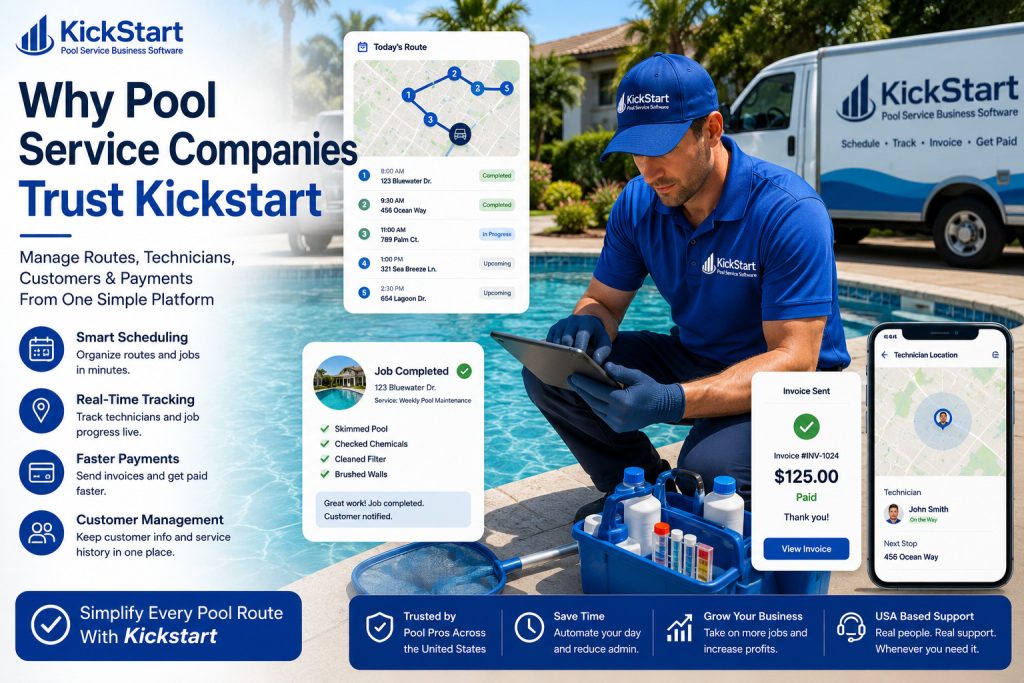
Kickstart helps pool service businesses stay busy and profitable all year round with recurring scheduling, automated follow-ups, and the tools to fill calendars even in the off-season.
The key benefits of managing off-season revenue with Kickstart
1. Lock In Recurring Bookings Before The Season Ends
The best time to get recurring bookings is before the summer ends. This way you can set up appointments for maintenance and checks on equipment while your customers are still around. This keeps your schedule full.
2. Offer More Services Without Chaos
If you want to offer more services like maintenance and repairs during the off-season Kickstart can help. You can use the system to schedule and invoice these services. This means you can grow your business without having to do a lot paperwork. Managing off-season revenue with Kickstart is simple.
3. Stay In Front Of Customers All Year Round
When you are not in touch with your customers they might forget about you.. With Kickstart you can send them messages and reminders throughout the year. This way your business will always be on their mind.
4. Keep Your Team Productive In The Quiet Months
If your team is not doing anything it can be expensive.. If you use Kickstart to manage off-season revenue you can keep your team busy with maintenance and repair work. This way your team will keep earning money. Your customers will be happy.
How Kickstart Helps You Keep Pool Service Revenue Steady All Year
Below is a breakdown of how Kickstart keeps your schedule full and your revenue flowing through every season.
1. Set Up Recurring Jobs That Run On Autopilot
Kickstarts recurring scheduling helps you set up repeat appointments for every customer. Weekly, monthly or at any interval that works for the service. Once its set up the job appears in your schedule automatically without anyone having to rebook it. This way customers stay looked after your calendar stays full. Your team always has work to show up to. Even in slow months. Your Kickstart system makes sure you never miss a job.
2. Send Seasonal Reminders That Bring Customers Back
Kickstart makes it easy to reach out to customers at the time. Before winter before pool closing season or before spring startup. A simple reminder message sent through Kickstart is often all it takes to rebook a customer who might have forgotten to call. You send reminders and customers come back. Timely communication keeps your calendar filled.
3. Add New Off-Season Services Without Any Extra Admin
You can expand your service offering during the off-season. Equipment checks, heater servicing, filter replacements, winterization. Kickstart handles services like core pool cleaning jobs. Scheduling, job sheets, tracking and invoicing are all built in. You add new revenue streams without adding systems. Your Kickstart system helps you manage services.
4. Keep Every Customer Visible So Nobody Gets Forgotten
During the off-season customers can slip through the cracks. Kickstart stores every customer, every job history and every contact detail in one place. This makes it simple to see who hasn’t booked recently who needs a service and who needs a follow-up message. You keep track of customers with Kickstart.
5. Invoice For Every Off-Season Job
Off-season jobs are smaller and less frequent. Kickstart. Sends invoices automatically when a job is complete. This way no, off-season job goes unbilled and your cash flow stays healthy. You get paid on time with Kickstart.
6. Use Reporting To Plan Next Season Before It Arrives
Kickstarts reporting gives you a view of your revenue, job volumes and customer activity. You use the off-season to review what worked, which services were profitable and where gaps appeared. This helps you go into the busy season with a smarter plan and a fuller schedule. Your Kickstart reports help you prepare.
Final Thoughts
The off-season doesn’t have to mean slow revenue. Lock in recurring bookings, send seasonal reminders, and keep your team productive all year round.
The businesses that thrive through every season stay organised, stay visible, and stay connected to their customers. With Kickstart, all of that happens automatically.
Ready To Keep Your Pool Service Business Busy All Year?
Frequently Asked Questions (FAQs)
Yes! Kickstart combines scheduling, job tracking, invoicing, and payments in one platform so everything flows together smoothly.
Not at all. The mobile app is extremely simple — most techs understand it in minutes.
Yes, you can add your logo, service items, pricing, and notes to match your brand.
Within seconds. As soon as the job is marked complete, just tap Generate Invoice — and you’re done.
related Posts
Pool Service Billing Software: Faster Payments & Smarter Invoicing in 2026?
Staff Scheduling Software: Smarter Scheduling for Service Businesses in 2026?